Guys
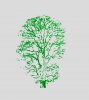
I'm new here, so hello! I would like to know what the name of the tool/technique is to highlight the green area of the above image. I presume I would use some sort of channel filter or something. Don't worry about the full details of how to do it, just the name of the tools/technique.
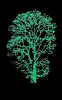
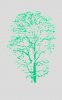
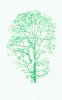
My aim is to be able to put the image on a different colour background. I am using CS5.
Strawb.