Hello and welcome to PSG!
Quick note, please do not use the "Contact Us" feature to ask questions about the forum. Just contact me directly using "Direct Messaging". Thanks!
As for your question...........
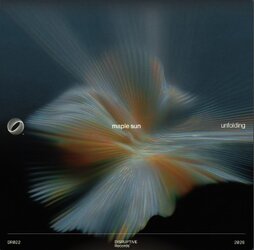
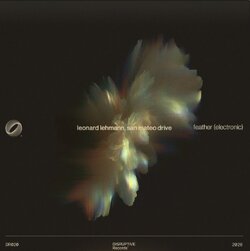
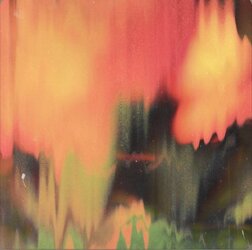
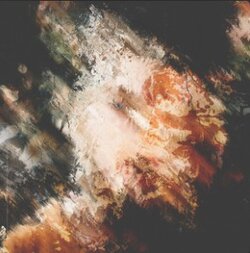
In STYLE ONE, the first two images are, more than likely, AI generated and I can't help you with how or what the prompts were when they were created. They could have also been created in After Effects, but again, I can't help you out there. I could probably get fairly close using Ps, but it would take enormous amounts of time to try and explain how I did it!
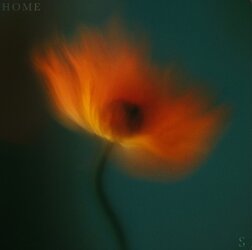
The third image can easily be made in Ps and the style has no official name. It could be an actual flower that was modified using a variety of techniques and filters. However, if I myself were to attempt to recreate this effect, I would just paint it using the Ps Brush Tool.
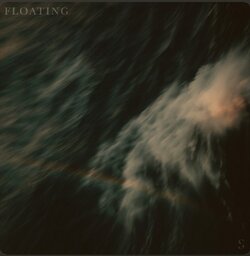
As for STYLE 2, all of these can be made in Ps. The first image is just a modified image(s) of (Ocean) water. Looks like it was only blurred and had it's contrast changed. The second image was probably painted using the Brush Tool, then modified using the Blur or Smudge Tool, maybe a wind filter, maybe the Liquify Tool/Filter. The third looks to be Grunge Brushes with the Brush Tool as well as the Blur or Smudge Tool, maybe a wind filter, maybe the Liquify Tool/Filter.
The problem is that there are literally thousands of ways that some of these could have been made in Ps! The possibilities and number of techniques used would be an insurmountable guess! I suggest that you get really good with Ps and then start to experiment with different techniques until you're able to closely emulate the effect you're after. If learning Ps is not in your plans, then AI is going to be your best bet.
If you are serious about learning an actual skill, you may want to just post one image or effect that you're interested in, and maybe someone here can offer up more precise techniques that can get you on your way to recreating the effect.