Reesche
Member
- Messages
- 10
- Likes
- 0
Hello you guys!
I am having an issue with my pen tool in Photoshop.
• MAC OS Mojave 10.14.6
• Photoshop CC 19.0 Release
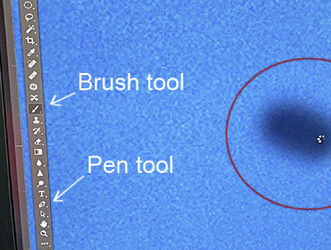
This just popped up ... When I use the pen tool, I start by dragging the Pen Tool and making a line to fill an area, the "cursor turns into a processing wheel" right on top of the cursor. Very irritating since you can not clearly see what you are doing. What is causing this? Is there a preference setting that will get rid of this? If so, where would it be?
See attachment below....
Thank you!
Reesche
I am having an issue with my pen tool in Photoshop.
• MAC OS Mojave 10.14.6
• Photoshop CC 19.0 Release
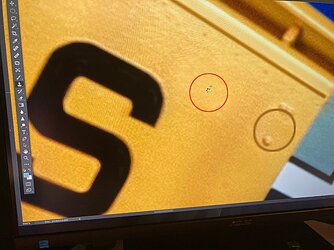
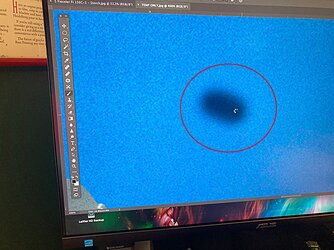
This just popped up ... When I use the pen tool, I start by dragging the Pen Tool and making a line to fill an area, the "cursor turns into a processing wheel" right on top of the cursor. Very irritating since you can not clearly see what you are doing. What is causing this? Is there a preference setting that will get rid of this? If so, where would it be?
See attachment below....
Thank you!
Reesche