What's new
Photoshop Gurus Forum

Welcome to Photoshop Gurus forum. Register a free account today to become a member! It's completely free. Once signed in, you'll enjoy an ad-free experience and be able to participate on this site by adding your own topics and posts, as well as connect with other members through your own private inbox!

Whats the best way to cut this complicated image from its background?


zoe20

Power User
Messages
250
Likes
95
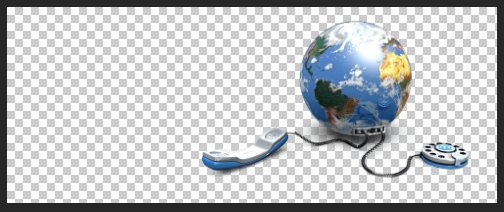
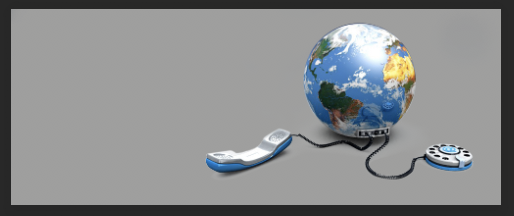
Whats the best way to cut this complicated image from its background? I tried it with quick selection tool. Am a novice in photoshop can any one help me the best way or help me cut it from its background please ? i used quick selection then used added a pixel mask.Any help will be highly appreciated.I added the original image, psd which i tried and the transparent png which i exported. Thanks in advance Gurus.

PSD: View attachment header.psd

Original Image:

header.jpg

My attempt. Exported Transparent PNG :

header.png

header.png
 
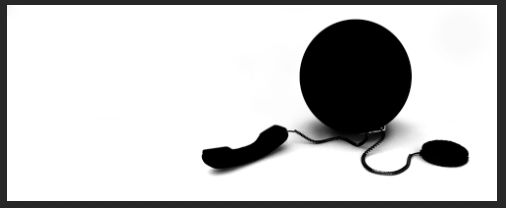
Zoe, with an image like this, I would mask it out using a quick mask with a brush because the image is at such a low resolution. Do you know how to create masks by using the brush and following the edge of the item you're masking by continually clicking and holding shift? It's an old fashioned technique but one I still use all the time for high quality results.

You can also make an alpha channel selection like this:
Screen Shot 2025-06-14 at 4.09.08 PM.png

This can then be used to make your selection including the shadows.
Screen Shot 2025-06-14 at 4.11.12 PM.png
Screen Shot 2025-06-14 at 4.12.07 PM.png
 

Back
Top