What's new
Photoshop Gurus Forum

Welcome to Photoshop Gurus forum. Register a free account today to become a member! It's completely free. Once signed in, you'll enjoy an ad-free experience and be able to participate on this site by adding your own topics and posts, as well as connect with other members through your own private inbox!

Adding color to a black and white microscope image.


Vagos

Member
Messages
8
Likes
0
Hi there!


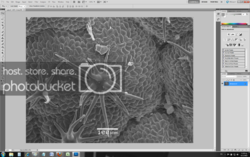
I can’t colorize a black and white picture from a miscroscope, no matter what I do.


Please give me a help. (I am new to Photoshop).

Best Regards Vangelis
 
More info...

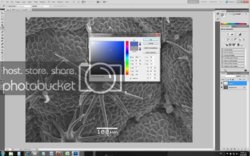
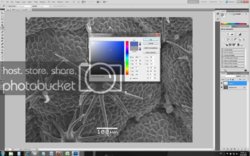
I can't put color in my blck and white picture even if, I create a new layer and use the paint bucket it makes it gray!
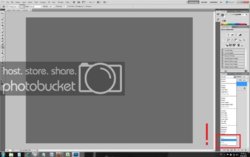
And in the channels options the color/hue/saturation/luminosit*y are greyed out!

If anyone can give me a help would be great.
 
Sorry for the many posts but because I am new to this forum (I had only 3 post) I couldn't post a link for the image.

Here are the images for referance.

Untitled-1.png

no_color-1.jpg

no_color-1.jpg

fjnfxs-1.jpg

no-1.jpg
 
Create new layer click on IMAGE -ADJUSTMENTS - COLOUR BALANCE pick your colours and have fun, lots of other ways but thats the quickest.
 
Sounds like you could be in Greyscale Mode.

Go...Image > Mode > and put a check mark beside RGB Color
 

Back
Top