- Price
- 35
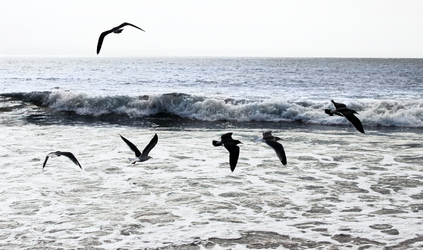
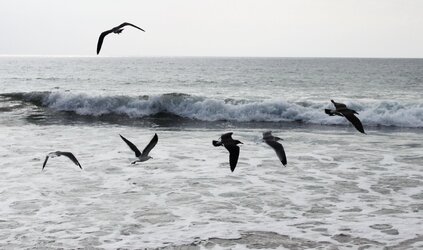
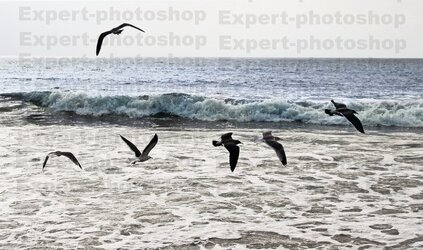
178 jpng (1st 3 #'s) sharpness is good. Use this as a template and add:
The sky should be gray as in 029.1jpg
The horizon line, as shown in the 029 jpg (White sliver), should extend halfway across the 178 image (left to right) and then taper off.
In 178, mix some more gray above the wave, going from lighter to darker from left to right. Just like the current images.
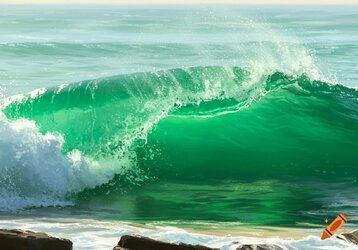
Green should be used in the crashing waves. Light green to white in a few key light spots; see attached clip. (dark areas - dark green under the wave, including the dark water around the 2nd bird.)
Add more gray to the birds' bodies, not wings.
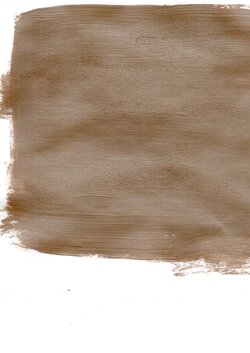
The darker areas around the surf foam should include the attached surf color JPG clip, with the color ranging from lighter to darker from left to right, at the bottom 1/3rd of the sea foam.
.