Welcome to Photoshop Gurus forum. Register a free account today to become a member! It's completely free. Once signed in, you'll enjoy an ad-free experience and be able to participate on this site by adding your own topics and posts, as well as connect with other members through your own private inbox!

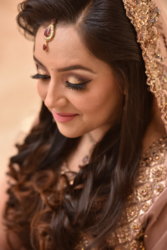
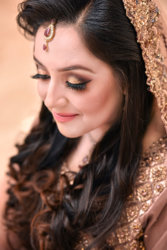
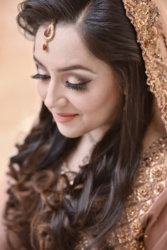
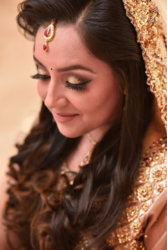
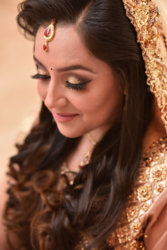
thanks for your effort..Beautiful image to work on, @aftab1003 It is not often that there are 300 DPI images posted for editing.
It looks like some editing was already done on the image. Raw image would have produced better results for you.
Here is my image:
View attachment 108083
@Babine Your hair edit looks beautiful. What did you do with it? Sharpened?
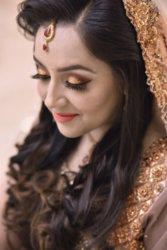
@JeffK Your eye lids and lips came out well. What did you do?
I used Frequency Separation to get a HiFreq Layer and a LoFreq Layer. On the HiFreq Layer, I adjusted some pimples, small blemishes, insect bite marks, etc. On the LoFreq Layer I applied a Gaussian Blur of 5 Pixels. In between these two layers, I created a new layer called SkinColourChange, in which I masked out the areas of the pic that are not skin. I also obtained the colour from your first sample image and applied it on the skin. I changed the Blending Mode to Hue. In the attached image of this post, I changed the Layer Opacity to about 60% to reduce Pinkish tone.what steps you took to get this tone?

What camera and what lens did you use for this shot?