What's new
Photoshop Gurus Forum

Welcome to Photoshop Gurus forum. Register a free account today to become a member! It's completely free. Once signed in, you'll enjoy an ad-free experience and be able to participate on this site by adding your own topics and posts, as well as connect with other members through your own private inbox!

Font Finder


Messages
24
Likes
2
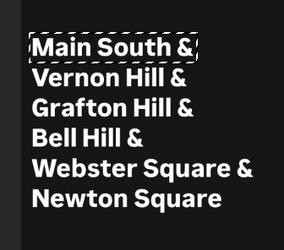
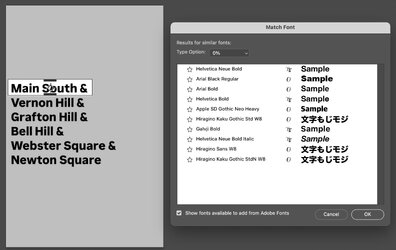
Like the post indicates, I'm trying to figure out which font this is but photoshop is not providing me with the font when I try to complete the font finder by utilizing the Rectangular Marguee Tool and the searching type>match font. Any other ideas on how I can do this? Antoine Logo.jpeg
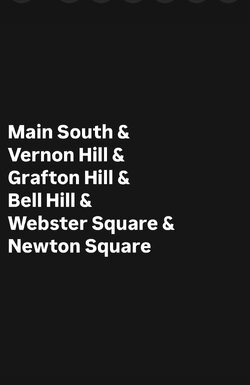
 
Open your image in Ps, Select some text with the Rectangular Marquis Tool.

Screen Shot 2025-11-14 at 8.11.55 PM.png

Copy the selected text to it's own layer using Cmd + J. Turn off or delete main layer. Trim transparent pixels by going to, LAYER > Trim. Save as jpg.

Screen Shot 2025-11-14 at 8.12.19 PM.png

Go to Google and search "Font Finder" (I like Font Spring)

Drag your jpg into the search widow of any of the font finding websites! Then pick a font that most closely matches your font!
 
Very similar to @IamSam 's approach.
I inverted to make the font black and background white, selected the first row (it has harder time with too many rows) and go these results:

Screenshot 2025-11-14 at 7.28.13 PM.jpg

Hope that helps
John Wheeler
 

Back
Top