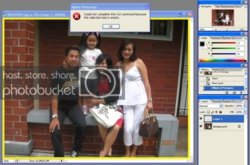
Alright, you're missing a step there. We need to fill the new layer that we made (layer 1 in your case) with solid black. The easiest way to do that would be with the bucket fill tool.
select the bucket fill tool (it looks like a paint bucket that is tipping slightly)
make sure your color is on black (it looks like it is, on your screen shot)
make sure you have your new layer selected (it looks like you're good there too)
click anywhere on you image (yes the whole thing is going to turn black, it's okay)
I'm sorry I've done such a poor job of explaining this, it shouldn't have been this hard. The problem is I'm in photoshop CS3, and on a mac, so things are laid out a bit differently, which makes it... interesting to give directions.
EDIT: oh, after you paint it black, you'll pick back up at the elliptical marquee tool, (then cut, then blur)