What's new
Photoshop Gurus Forum

Welcome to Photoshop Gurus forum. Register a free account today to become a member! It's completely free. Once signed in, you'll enjoy an ad-free experience and be able to participate on this site by adding your own topics and posts, as well as connect with other members through your own private inbox!

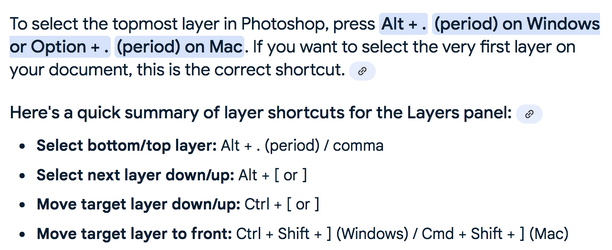
How to select the top layer with keyboard shortcut?


evren

Well-Known Member
Messages
137
Likes
19
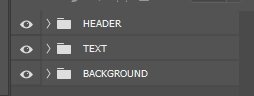
Is there a way to select the top layer (the layer named "HEADER" in the screenshot attached) with keyboard shortcut?

Screenshot001.jpg
 
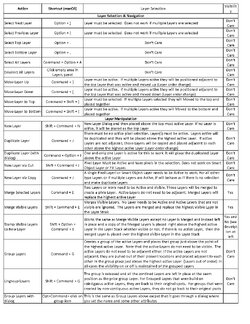
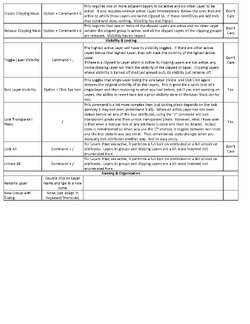
I posted this before, yet here are all the Layer Shortcut commands that I could find and I also documented the conditions of when and how they work. These are written for the Mac, but to make it work with Windows, simply use CTRL instead of CMD and ALT instead of OPT.
I do not have a Windows machine, so I have not verified if there are any exceptions to this, however.
These is two JPEG images formatted to fit an 8.5x11 printout

Photoshop_Layers_Panel_Shortcuts_two sheets_Page_1.jpg

Photoshop_Layers_Panel_Shortcuts_two sheets_Page_2.jpg
 

Back
Top