What's new
Photoshop Gurus Forum

Welcome to Photoshop Gurus forum. Register a free account today to become a member! It's completely free. Once signed in, you'll enjoy an ad-free experience and be able to participate on this site by adding your own topics and posts, as well as connect with other members through your own private inbox!

Specific Need to make an artwork


fefregr

New Member
Messages
4
Likes
2
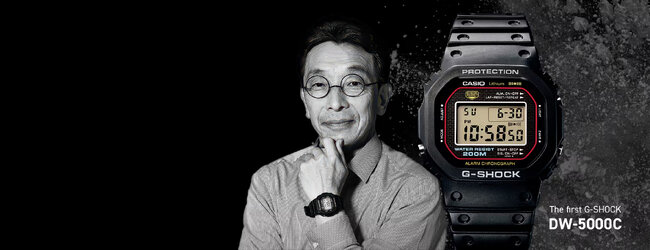
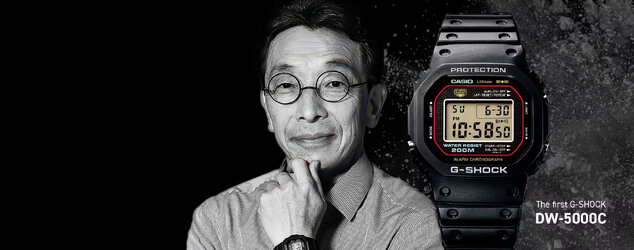
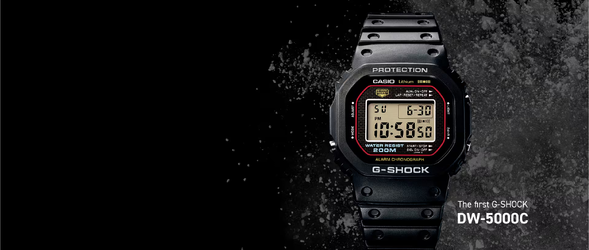
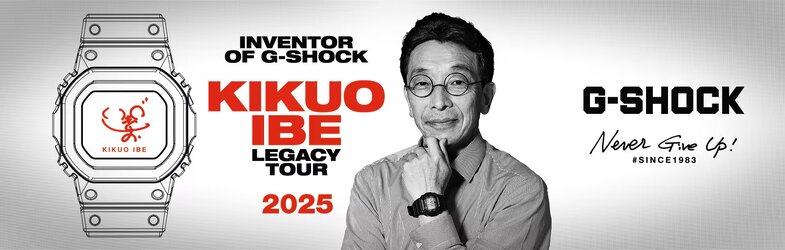
I would like to make a poster to have it dedicated to Kikuo IBE, the inventor of the G Shock watch. I have 2 images. The first one is the one with the watch on the dark background and the second image of who invented it.

I want to superimpose his photo from the second image onto the first (top) image. I need to leave some black space for the dedication because I'm going to have it signed with a gold marker. Thanks.
1755862723340.webp

ibe-landingpage-1920x612px-v02.jpg

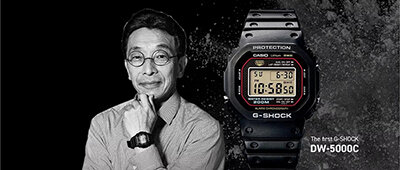
Sample of what I want. But there isn’t enough space on the left for the signature. Maybe the black background could be extended further to the left.
KIKUO1.jpg
 
Just working with this a bit. I edited a version with your sample idea and then another with Kikuo larger next to the watch. I also added some signature space but I'm wondering what color signature you're going to use keeping in mind that this is a black background. I can make other changes if needed...

g_shock poster V1.jpg

g_shock poster V2.jpg
 
Oh thanks very nice job !!! will check if I need some changes ;) I will use a silver or gold pen so black background is perfect :) thanks again !

 
I’ve been thinking about it last night ;) As you’ve probably realized, this project means a lot to me, and I’d like to thank you again for this wonderful forum. Unfortunately, I have no skills in Photoshop myself.

Would it be possible to make one more adjustment—hopefully the final one :) ?
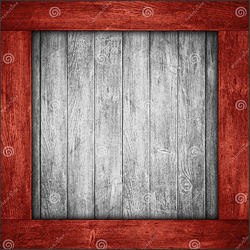
I was thinking of perhaps adding a nice red wooden-style frame to the two photos, as it could match the Japanese theme. Below is a link with an example I really like.

Screen Shot 2025-09-01 at 8.28.41 AM copy.png

My hope is to optimize both photos for printing at a size between A4 and A3.

Many thanks once again for your efforts! :)
 
My best guess is that the frame can be done, but to convert to an A4 layout, it would require a completely different layout. I'm not getting to where this needs to be so I hope so someone else can jump in...
 
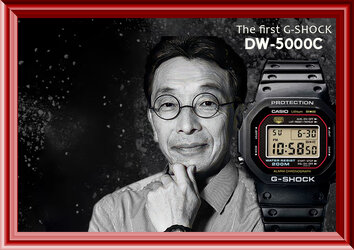
This is an example of me trying some things out - as you can see the layout has changed to accommodate an A4 size
and leaving room for that signature you wanted.

gshock test.jpg
 

Back
Top