What's new
Photoshop Gurus Forum

Welcome to Photoshop Gurus forum. Register a free account today to become a member! It's completely free. Once signed in, you'll enjoy an ad-free experience and be able to participate on this site by adding your own topics and posts, as well as connect with other members through your own private inbox!

Specific Photobooth adjustment


Status
Not open for further replies.

Lesmkl

Active Member
Messages
39
Likes
4
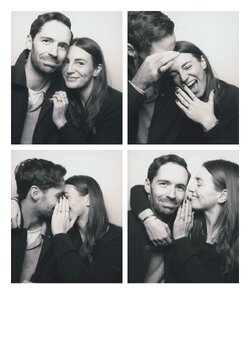
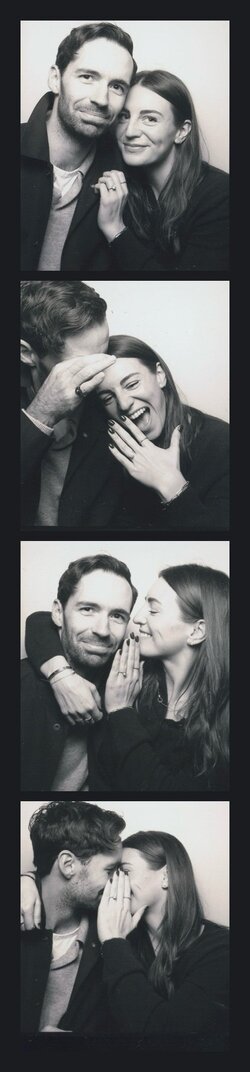
Hello! Can someone please try to change the black outline to white as an alternative?

I also wondered if it would be possible to also attempt turning this into a strip photobooth image instead of the grid?

We’re going to be using this on our wedding website. Please advise if you need a higher quality version.

Thank you so much!
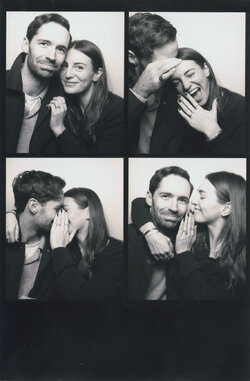
9ACDAEBE-9623-4943-9D9F-4E40D5E3D87E.jpeg
 
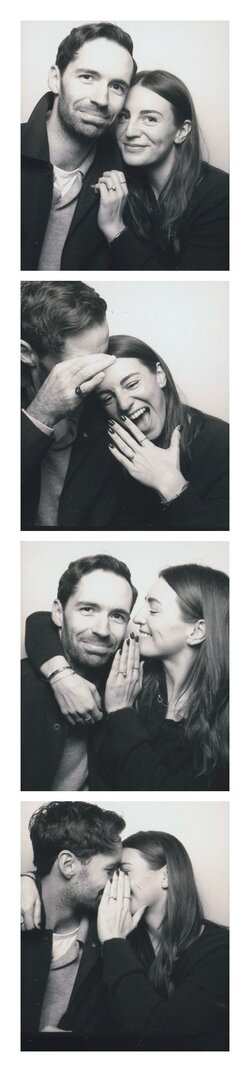
Wow!!!! Thank you so much!! Perfect! Please could you also make the original shape (the grid shape) in white too? We’re uploading to the wedding website and I think that shape works best! Is it possible to make the boarder all around thicker in the white grid shape? I think that may be helpful for the website formatting.
 
Wow!!!! Thank you so much!! Perfect! Please could you also make the original shape (the grid shape) in white too? We’re uploading to the wedding website and I think that shape works best! Is it possible to make the boarder all around thicker in the white grid shape? I think that may be helpful for the website formatting.
Sorry to be so annoying and ask for another thing but please can I also make 2x adjustments to the 2x strips (1 black and 1 white border) with the order of the images. If image 1 is the top image and image 4 the bottom image, could I please change the strip order to 1, 3, 4, 2? Thank you so much!! Planning to upload these today.
 
Status
Not open for further replies.

Back
Top