- Price
- 25
Hi everyone!
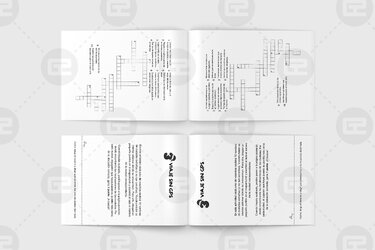
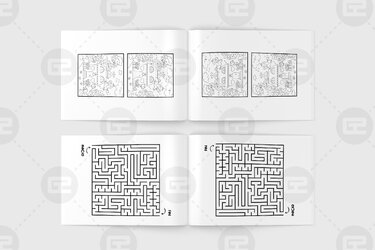
I'm currently working on updating the A+ content for two of my books on Amazon. On some of the slides I want to show the interior of the books, but I don't know how to give them a realistic effect. In my current A+ I'm just using some pictures that I took, but it doesn't look as clean as I'd like. The alternative is using png files of the interior and arrange them in a way that they look like an open book, but I couldn't "fold" them slightly on Canva to make them look like a real open book. Could anyone do this on Photoshop?
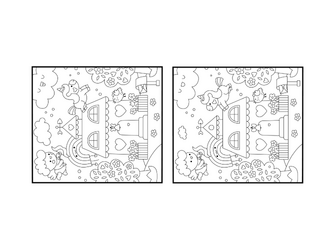
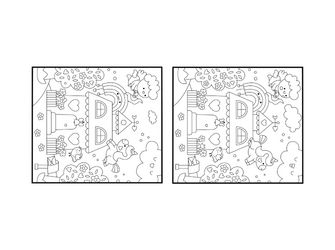
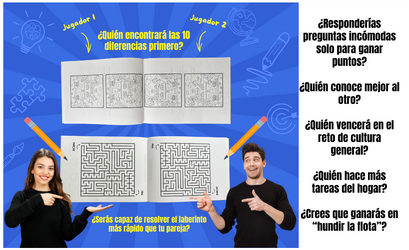
I attach my current A+ slide, as well as a screenshot of the A+ of another author where the open book does look as such. Find attached as well the interior images that should be used for this book. I'd like to receive two different png files for this book where each game is shown as if it was a real open book just like in the reference image.
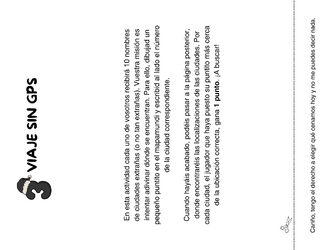
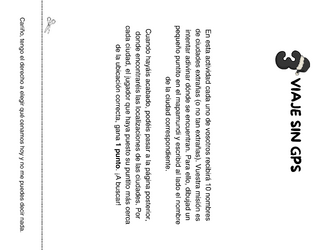
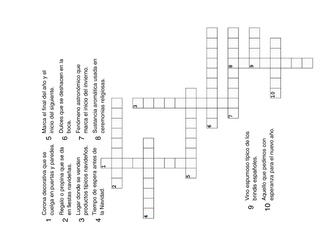
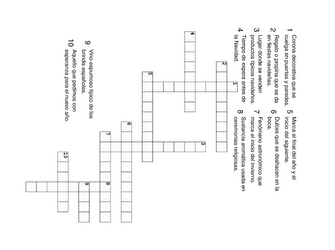
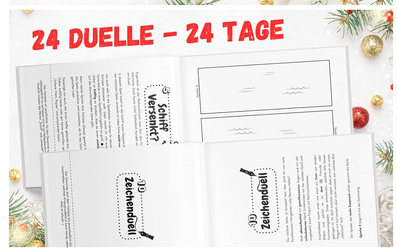
I also attach the interior files for the Christmas version of the same book. I also need two png files where each of the two games is showcased.
Let me know if this is doable. Price can be negotiated Thank you very much in advance.
I'm currently working on updating the A+ content for two of my books on Amazon. On some of the slides I want to show the interior of the books, but I don't know how to give them a realistic effect. In my current A+ I'm just using some pictures that I took, but it doesn't look as clean as I'd like. The alternative is using png files of the interior and arrange them in a way that they look like an open book, but I couldn't "fold" them slightly on Canva to make them look like a real open book. Could anyone do this on Photoshop?
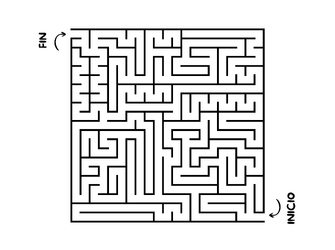
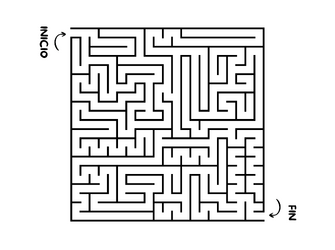
I attach my current A+ slide, as well as a screenshot of the A+ of another author where the open book does look as such. Find attached as well the interior images that should be used for this book. I'd like to receive two different png files for this book where each game is shown as if it was a real open book just like in the reference image.
I also attach the interior files for the Christmas version of the same book. I also need two png files where each of the two games is showcased.
Let me know if this is doable. Price can be negotiated
Thank you very much in advance.
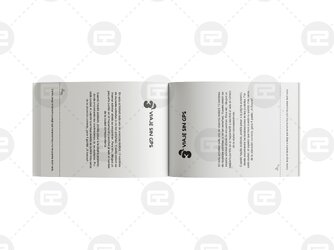

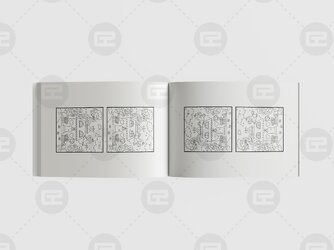
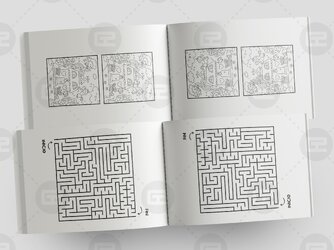
 Would it be possible to make the pages more white tho? Like in the ref image. Thank you!