Hi every one
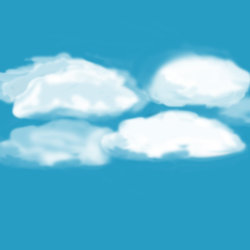
I tried to make clouds i've attached them,
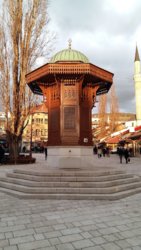
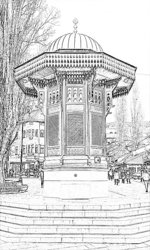
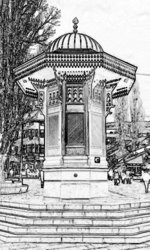
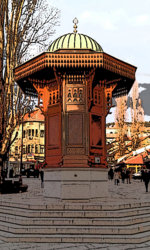
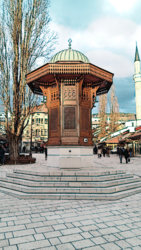
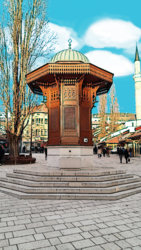
now Id like to have the sebilj picture (the fountain in the middle) turned into just outlines (but the inner part being brown, if possible, like in reality but should still look like a simple drawing nothing to crazy)
I would like for you to combine the clouds with the fountain outlines and add 3-4 birds at the bottom of the picture (it should be a t shirt design)
I have only the clouds now, but can you draw or export the fountain from the original picture and make it look like it is all just simple black lines?
I tried to make clouds i've attached them,
now Id like to have the sebilj picture (the fountain in the middle) turned into just outlines (but the inner part being brown, if possible, like in reality but should still look like a simple drawing nothing to crazy)
I would like for you to combine the clouds with the fountain outlines and add 3-4 birds at the bottom of the picture (it should be a t shirt design)
I have only the clouds now, but can you draw or export the fountain from the original picture and make it look like it is all just simple black lines?