- Price
- 5.00
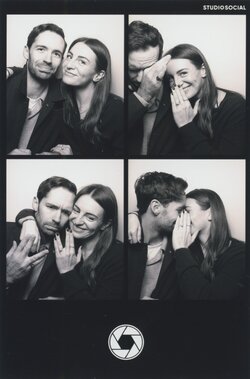
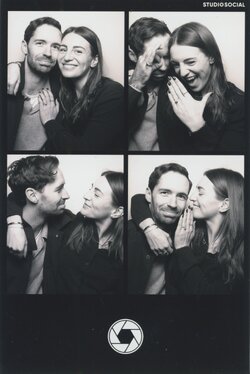
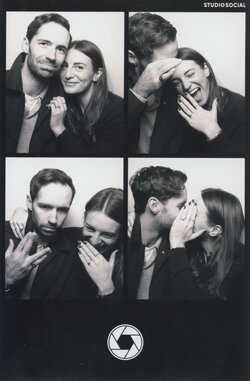
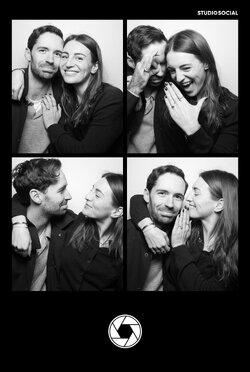
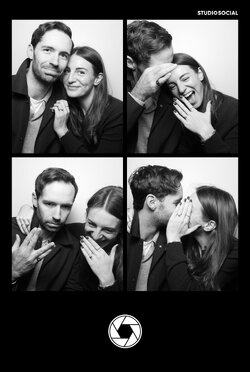
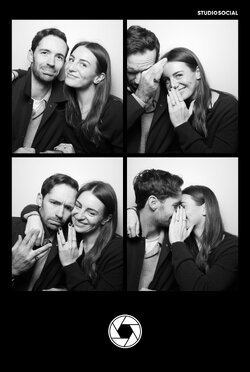
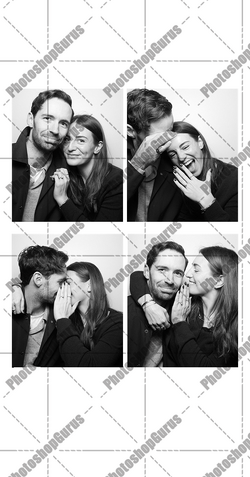
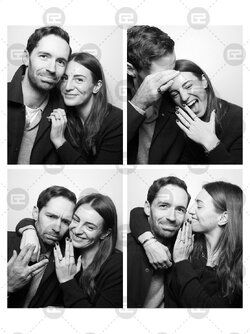
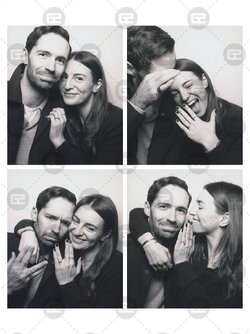
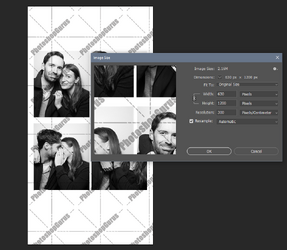
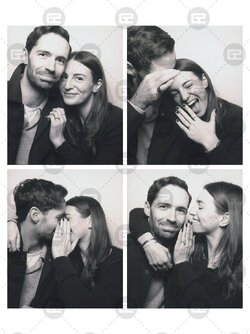
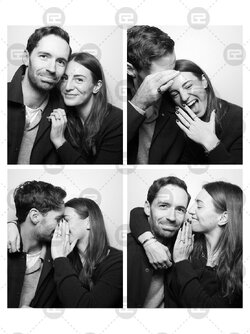
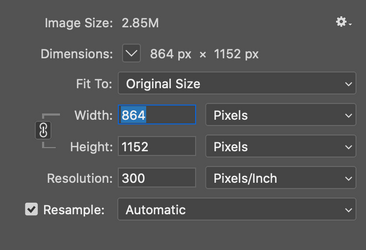
Hello! I posted a similar request on a different thread - I've managed to source the original photo booth images both from the photo booth itself which I combined into the 4x images that I like the best from the 3x photo booth sessions. I'm also attaching the original scans of the printed images which somehow are a higher quality than the ones from the photobooth. I've named the scanned photos with the correct placement (assuming you will use these as they are higher res) per the placement so the first photo is called 'Squares 1 and 2' which I see as Square 1 top left, Square 2 top right, Square 3 Bottom left, Square 4 bottom right. I then would like to change the border to white instead of black and remove the name of the photo both top right and the icon in the bottom middle. For my wedding website, the image I put together just on paint us too low res (its only a couple kb vs. the other images on the site are at least 5mb). As a result, it is compressing the other images to match so I'm hoping if you can redo this using the original images it won't be a problem. The website also says the ideal shape suggested is 1200 x 630 pixels. This ensures high quality across various desktop screens and maintains fast loading times when optimized for the web )- which I think means it needs to be longer for the ideal shape, perhaps you can add more white on top to match the amount of white on the bottom for optimal shape? The current image I have up on the website is nearly 5mb and is 3024 x 4032. Hopefully this is a quick and straight forward job to put these 4x selected images into one photo booth pic, change the border white (removing the text/icon on the border) and hopefully make it the right size/ shape for my wedding website! Hoping to have tonight or first thing tomorrow GMT time! thank you so much!!