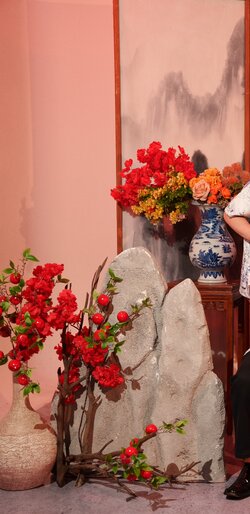
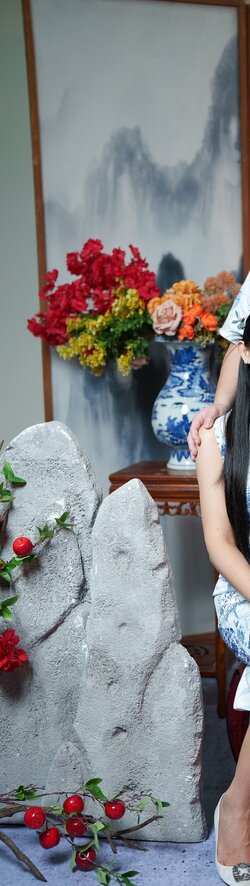
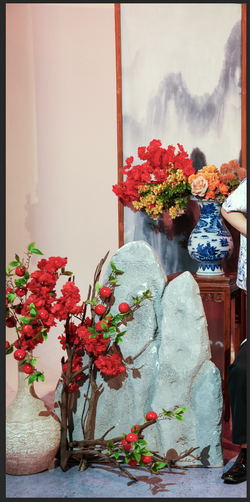
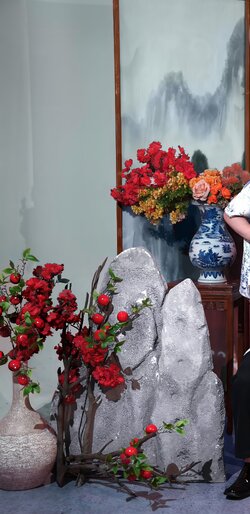
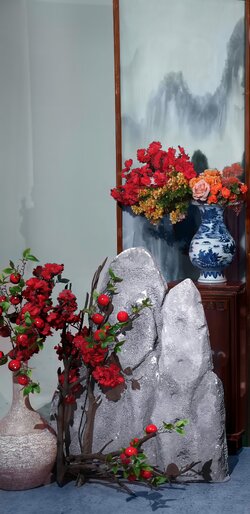
hi, it works so well. Can you please post your guidance in detail here in this thread so that I can learn? I am actually a novice and my client is not satisfied with the result with red lighting that the photorapher took, and the photorapher is not able to restore the original color so I have to ask for professional guidance instead
Like you, I tried the included filters in PS and Camera Raw and, because of the variety of colour casts, I couldn't get a good match your sample. Instead and probably 'old school', I used the selection brush tool on various individual parts of the photo. i.e. the plants, the rocks in the foreground, etc., finetuned these selections to improve accuracy using
Quick Mask Mode and saved each of them to an
Alpha Channel labelled accordingly. By Control-Clicking on these saved channels, any/all adjustments will be restrained to these selected areas.
To match the colours, I placed a
Colour Sampler on various areas of the 'non-red version' and used curves adjustments to match these RGB values in the alpha channels of the 'red version'. Touch up to areas missed or overlapped was done by selecting the proper colour and painting on a new layer in colour mode.
Again and because of the saved channels, I could improve saturation, contrast, etc individually and when these selections were inverted, do the same with with the surrounding backgrounds.
I apologize for the probable brief and hopefully not too confusing details. Definetly not from a professional rather an 'experienced' PS user.
Give them a try andIf I can assist further, please ask.
Cheers