packofwolves3
Well-Known Member
- Messages
- 81
- Likes
- 22
Hi Gurus,
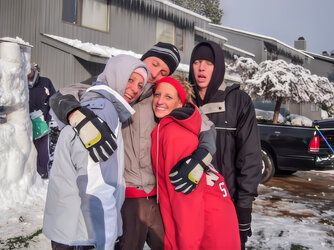
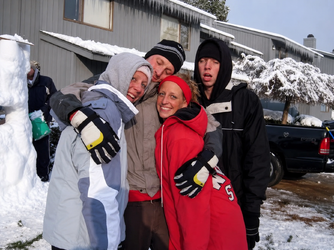
I had a close friend who passed away yesterday and I only have a few pictures of him, from 2008 (and his future wife). Is there a way anyone could sharpen these two photos? The priority would be the snow castle picture, the group of three guys.
I am in the far right of both photos, he is in the middle of the three guys by the castle, while his wife is in the red parka on the second picture. Any help would be greatly appreciated. I can upload photos of my face, and his face, if it helps.
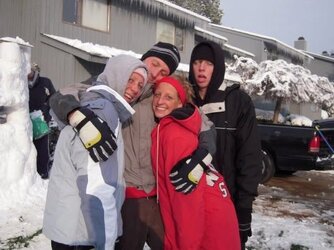
I had a close friend who passed away yesterday and I only have a few pictures of him, from 2008 (and his future wife). Is there a way anyone could sharpen these two photos? The priority would be the snow castle picture, the group of three guys.
I am in the far right of both photos, he is in the middle of the three guys by the castle, while his wife is in the red parka on the second picture. Any help would be greatly appreciated. I can upload photos of my face, and his face, if it helps.