I completely agree with Tom here on his observations of the blur (OOF).
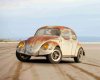
The shadow itself is too uniform, dark, and it is far too blurry. The best way to create shadows for cars is to use the
cutout of the car itself. Create a new layer,
Command + Click the cutout of the car, fill with black, use
Command + T to transform the black cutout into the cars shadow. You may have to use the
Warp feature as well. When you have the shadow where you like it, you can use a
layer mask and the
Gradient tool to fade the edges of the shadow. Of course you will have to lower its opacity.
This is a really fast (not perfect) demo.
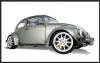
Cutout Car on White BG..
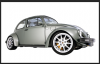
Layer below Car layer, Car cutout selection that's filled with black...
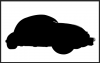
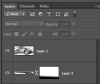
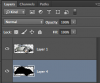
Here's the layers panel..
 Command + T
 to transform, rotate, and warp shadow....
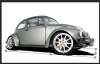
Layer mask with gradient and lowered opacity on the shadow layer...