Skeezix
Member
- Messages
- 16
- Likes
- 1
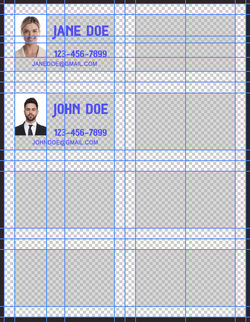
I am using Photoshop version 7 to make business cards. Each card is 2"x3.5" and there are 10 cards per sheet of paper. I am familiar with version 7 since I got it over 20 years ago.
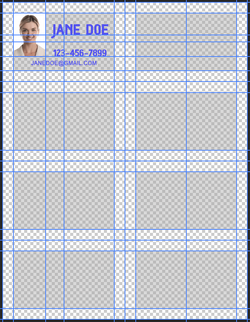
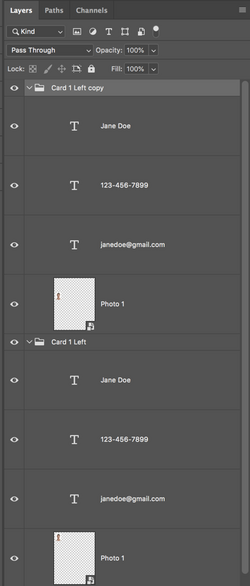
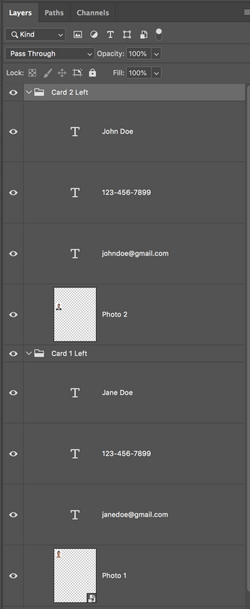
The first card has a small photo, a name, a phone number, and an email address. I have positioned those objects exactly where I need them in the top left-hand corner of the page.
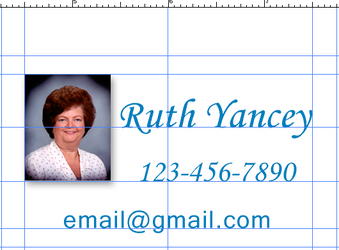
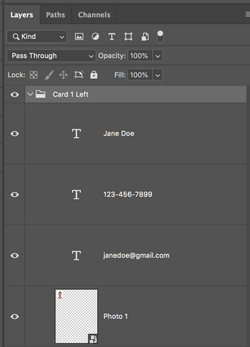
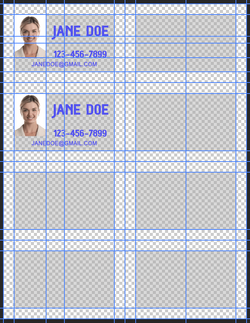
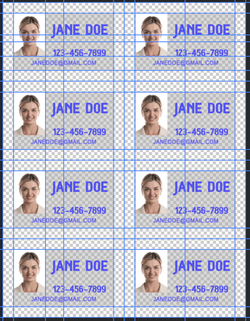
My question is can I somehow group those 4 objects and then move the group over to the next card location? Then repeat the operation for each of the remaining business cards? If so, can somebody tell me where I can find instructions to do this?
Thank you
The first card has a small photo, a name, a phone number, and an email address. I have positioned those objects exactly where I need them in the top left-hand corner of the page.
My question is can I somehow group those 4 objects and then move the group over to the next card location? Then repeat the operation for each of the remaining business cards? If so, can somebody tell me where I can find instructions to do this?
Thank you