What's new
Photoshop Gurus Forum

Welcome to Photoshop Gurus forum. Register a free account today to become a member! It's completely free. Once signed in, you'll enjoy an ad-free experience and be able to participate on this site by adding your own topics and posts, as well as connect with other members through your own private inbox!
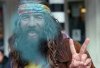
How to create smoke.


Status
Not open for further replies.
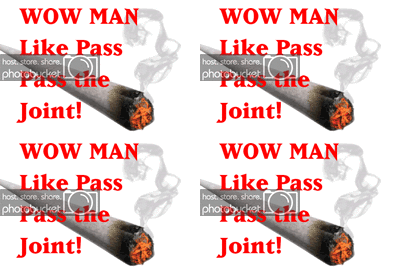
I then opened a new layer and selected the brush tool. I set the brush hardness to 0 and my brush size to 67 to create the smoke. I chose a blueish gray color and set the layer opacity to 53%. You can set the brush size and layer opacity to what ever you want to get your desired effect.final.jpg
 
lol, i requested this tutorial quite a long time ago... did you just come up with the idea on your own or did you go through the requested tuts thread?
 
Download can not be started.

Only RapidPro users can initiate encrypted downloads.
 
lol I was responding to a thread. Dezigns did not steal my thunder. It's all personal preference what you want and that brush you used is pretty awesome.
 
Last edited:
compress and add to your post here I believe PsG will let you
 
Nice collection.thanks Kev!
 
Status
Not open for further replies.

Back
Top