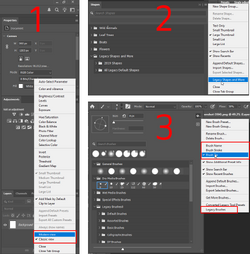
After more than 15 years of CS5, I am now using the latest CC version of Photoshop and I'm trying to learn all the new functionality. I'm sure I'll be back here many times, but here are three questions to start:
- When I open an adjustment layer from the Adjustments panel, the Properties tab becomes active for that adjustment. But if I then delete that adjustment layer or go work on a different layer, the Properties tab remains open no matter where I go. If I want to add a new adjustment layer, I need to first physically activate the Adjustments tab. Is there any way to make the Adjustments tab be the active, default view?
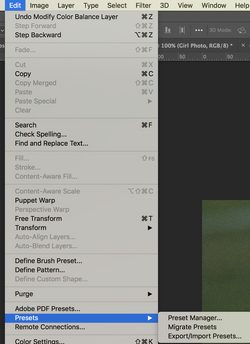
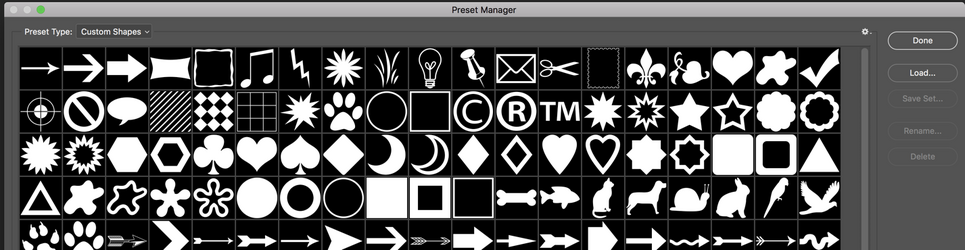
- In CS5, my custom shape tool had 100 (or so) different vector shapes (banners, arrows, etc.) that I could choose from. In the new CC, there are only a very few shapes. Is there a way to import all the vector shapes that were available in earlier versions?
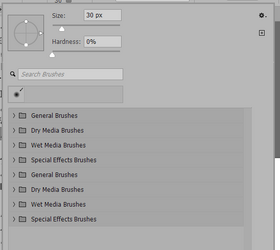
- I seem to have messed up my Brush tool selection settings. When I activate the brush tool, I now get this view of the active brush. When I want to switch among different brushes, I used to get a view where a window opened showing all available brushes with their icons, and I could just pick one. I'm not sure if I accidentally clicked something in CC to get what you see here, but I can't figure out how to get back to the standard brush selection screen.