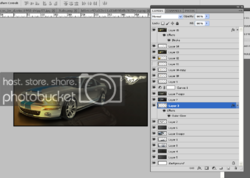
I believe that is the term I am looking for. I'm trying to figure out how to layer different images on top of others, if that makes sense.
Like if you had a plain black background with several different images related or not.
I want to make a signature for my mustang forum using my car. What I want in the signature is some sort of background with maybe two different pictures of my car. How do I go about doing this?
Like if you had a plain black background with several different images related or not.
I want to make a signature for my mustang forum using my car. What I want in the signature is some sort of background with maybe two different pictures of my car. How do I go about doing this?