rooftop_dev
New Member
- Messages
- 3
- Likes
- 2
Welcome to Photoshop Gurus forum. Register a free account today to become a member! It's completely free. Once signed in, you'll enjoy an ad-free experience and be able to participate on this site by adding your own topics and posts, as well as connect with other members through your own private inbox!
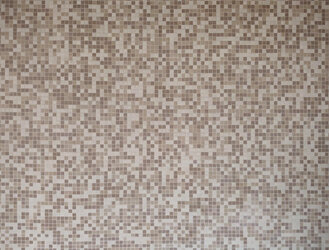
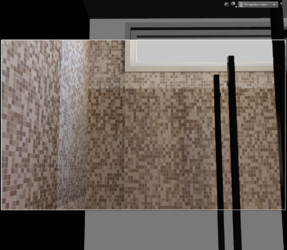
That looks well done. The tile lines look properly aligned. I would love to know how you approached it?Here's my shot at it.
lol...definitely!While fun as a one-off, I can't imagine having to do this frequently.
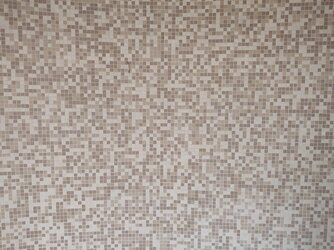
hello sandy . do you mean a copy of a photo, as in i took a picture from a magazine or something? if so, then, no - its a photo taken at a wall IRL. i suspect that tear was either irl dirt, or an actual tear in the tiles! - i didnt hang around too long to look at properly but from the image there does seem to be a lot of smaller near unoticeable tears!View attachment 135971
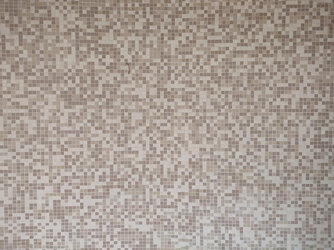
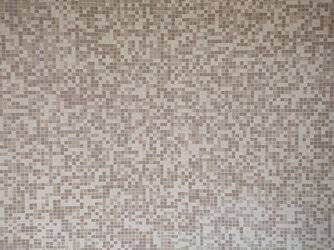
is this the sort of thing you are after. have not increased contrast or changed color. as that is up to your preference. second one I edited the "tear" that appears in some tiles in the middle. looks like a copy of a photo.? regards, SandyView attachment 135972
thank ex_teacher - the lines aren't perfect but much more presentable.Here's my shot at it.
I did change the contrast a tad. Histogram looked unusual.
View attachment 135974