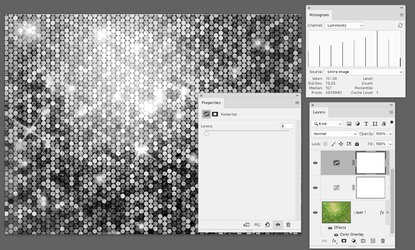
Hello!
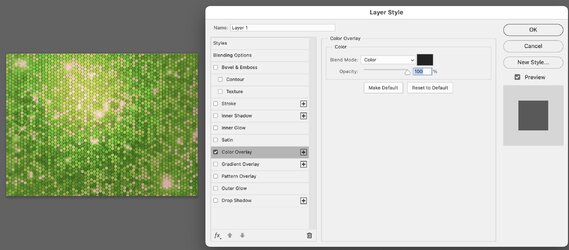
I'm currently stuck on editing a sequin pattern background by changing the overall colours to some very specific colours. As it stands the overall colour is green but I want to change it to 8 different "global" colours. I'm trying to come up with an easily editable system in which I can edit the colours.
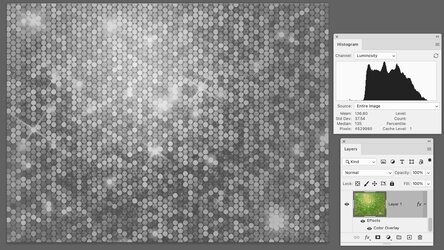
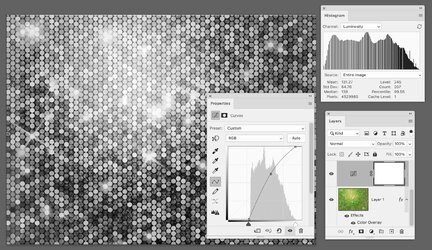
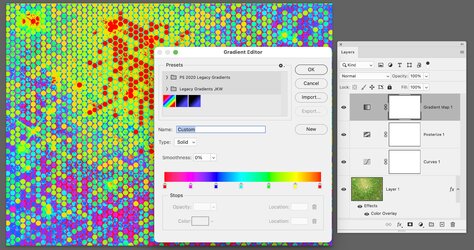
I've messed around with various colour levels editing every channel, curves, gradient map and channel mixer. The problem is that when applying these adjustments, the colour variety and depth of colour disappears in the tests I've done. I end up losing the 3 colours pink, lime and green diferentiation and it becomes more monotone. I've done some experiments with channel mixer and that seemed to work in some ocassions. Having said that I'm kinda looking for a system where I can maintain the 3 colour differentiation and expand the colour palette.
Anyone have some ideas that might help me to accomplish this?
Thanks in advance!
Catalin
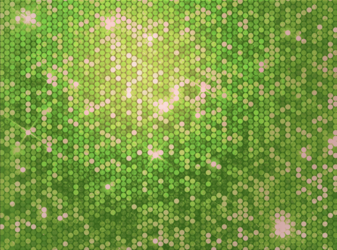
I'm currently stuck on editing a sequin pattern background by changing the overall colours to some very specific colours. As it stands the overall colour is green but I want to change it to 8 different "global" colours. I'm trying to come up with an easily editable system in which I can edit the colours.
I've messed around with various colour levels editing every channel, curves, gradient map and channel mixer. The problem is that when applying these adjustments, the colour variety and depth of colour disappears in the tests I've done. I end up losing the 3 colours pink, lime and green diferentiation and it becomes more monotone. I've done some experiments with channel mixer and that seemed to work in some ocassions. Having said that I'm kinda looking for a system where I can maintain the 3 colour differentiation and expand the colour palette.
Anyone have some ideas that might help me to accomplish this?
Thanks in advance!
Catalin
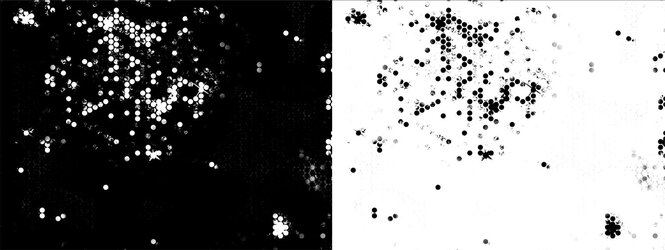
 You might also try the Select > Color Range tool to isolate the greens or yellows. Here are two examples of what the resulting masks might look like. The one on the left reveals only the pinks; the one on the right hides the pinks.