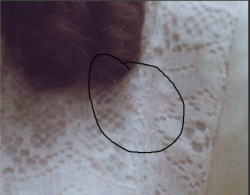
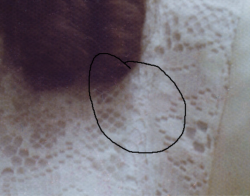
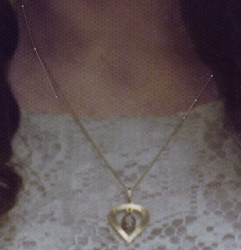
You can mask the chain using the Pen tool. First create a path of the chain as shown here.
View attachment 120813
Next, open a new, blank layer. This layer will be temporary.
Activate the brush tool and set it to a soft, 3-pixel brush with the color set to black.
Go into the Paths palette and click the icon for "stroke path with brush".
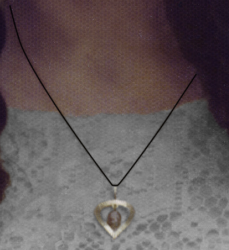
You will now have this:
View attachment 120814
Make a selection of the black stroke and then turn off the visibility of the temporary layer.
Now use that selection on your Black & White desaturation layer to mask-out the chain. The pendant itself is easily masked by hand.