






Photoshop Tutorials
Drawing a Beach Scene with Sun and Sand
In this tutorial we'll draw a beach using basic drawing tools and custom shapes tool etc. To add finishing touches we'll apply some soft gradient. |
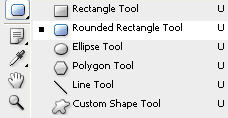 |
Draw a big rounded rectangle of almost canvas size. |
|
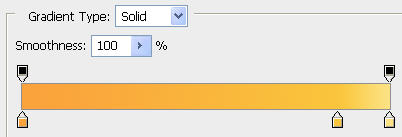
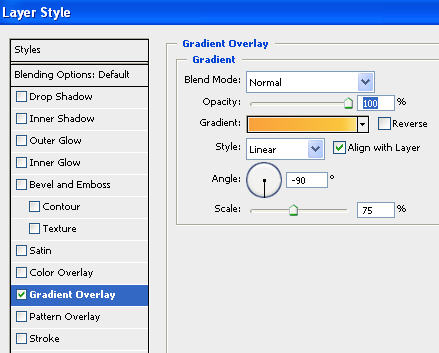
Double click the layer to open layer style window. Apply settings as shown. |
 |
|
 |
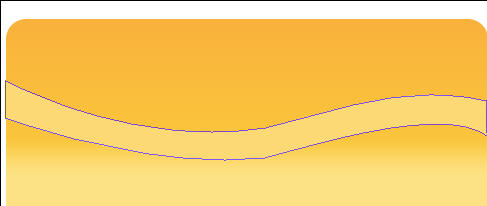
Create a shape using pen tool as shown. |
|
Have a look at the flash
clip below to see how we did this. |
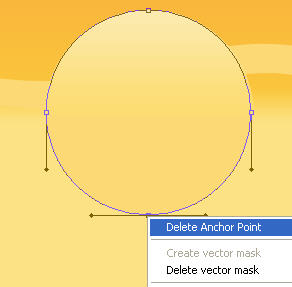
Create a circle using elliptical shape tool. |
|
Now select direct selection tool, right click and select delete bottom anchor point as shown. |
 |
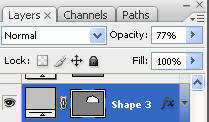
Now reduce the opacity of semi circle to 77% as shown. |
 |
|
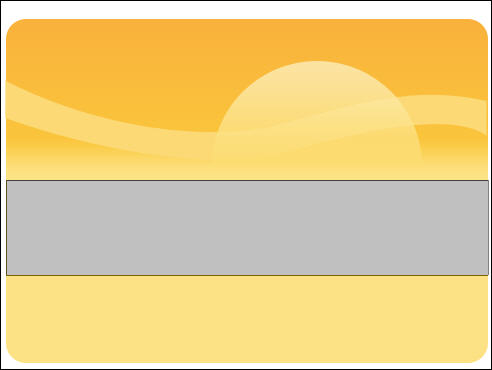
Create a rectangle using rectangular shape tool. |
|
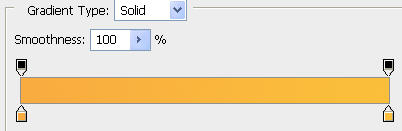
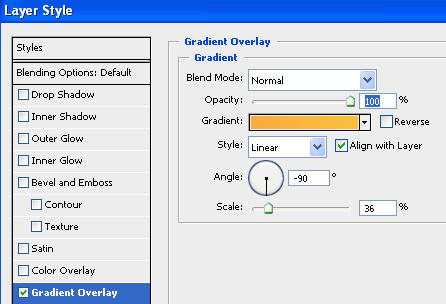
Double click the layer to open layer style window. Apply settings as shown. |
 |
|
 |
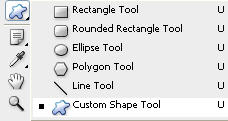
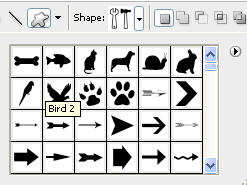
Select custom shape tool (U). From the preset flyout menu at the top select bird2 as shown below. |
 |
 |
Draw a bird shape with white color and place it as shown. |
 |
Press Ctrl+J to duplicate the layer. Place it another postion in the sky |
 |
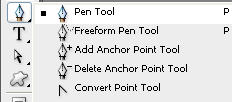
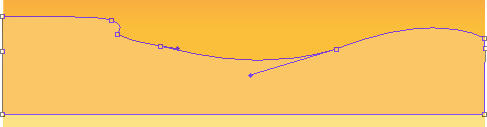
Select the pen tool. Draw a shape as shown below. |
 |
 |
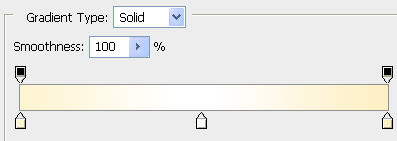
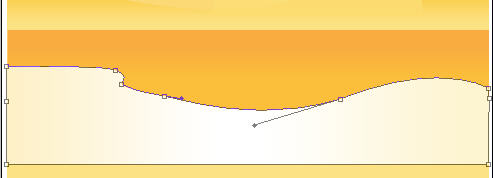
Double click the layer to open layer style window. Apply settings as shown. |
|
 |
 |
Press Ctrl+J to duplicate the layer. Move it downwards. |
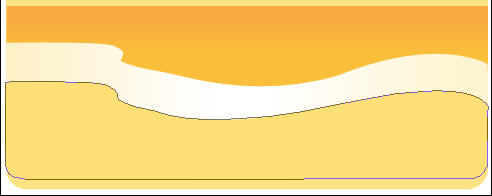 |
Repeat the above step to create another duplicate and move it a few pixel down. |
 |
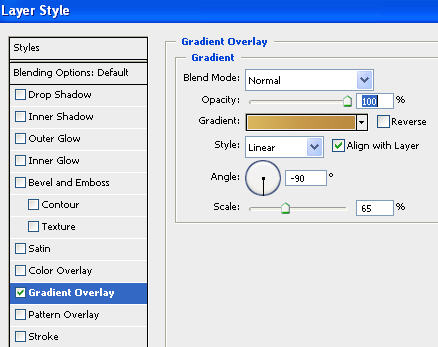
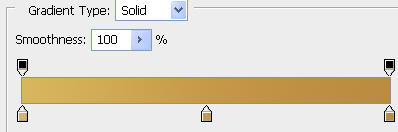
Double click the layer to open layer style window. Apply settings as shown. |
 |
 |
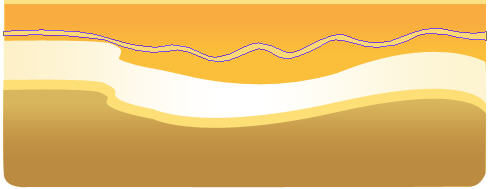
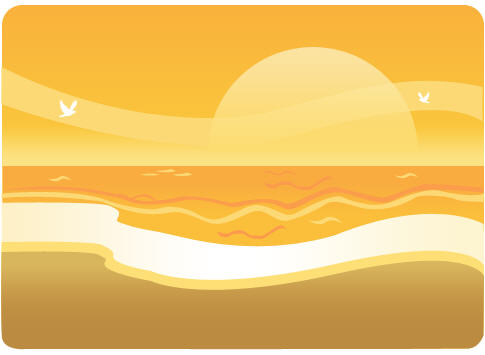
Select pen tool and create some shapes thtat look like waves. Fill the shapes with diffrent shades of yellow and orange. |
 |
 |
Create a pebble shape using pen tool as shown below. |
 |
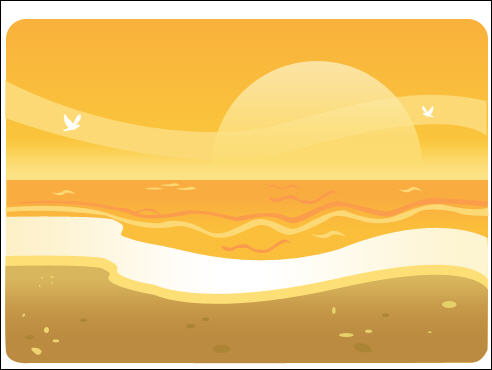
Populate the sand area with small pebbles of diffrent shapes and sizes. Fill with diffrent shades to add variation. |
 |